 Albania
 Argentina
 Australia
 Austria
 Belgium
 Bosnia and Herzegovina
 Brazil
 Bulgaria
 Canada
 Chile
Chile
 Colombia
 Croatia
 Czech Republic
 Denmark
 Estonia
 Finland
 France
 Germany
 Greece
 Hungary
 Ireland
 Italy
Italy
 Latvia
 Lithuania
 Luxembourg
 Mexico
 Moldova
 Montenegro
 Netherlands
 New Zealand
 North Macedonia
 Norway
 Philippines
 Poland
 Portugal
 Romania
 Serbia
 Slovakia
 Slovenia
 South Africa
 Spain
Spain
 Sweden
 Switzerland
 Turkey
 Ukraine
 United Kingdom
 United States of America



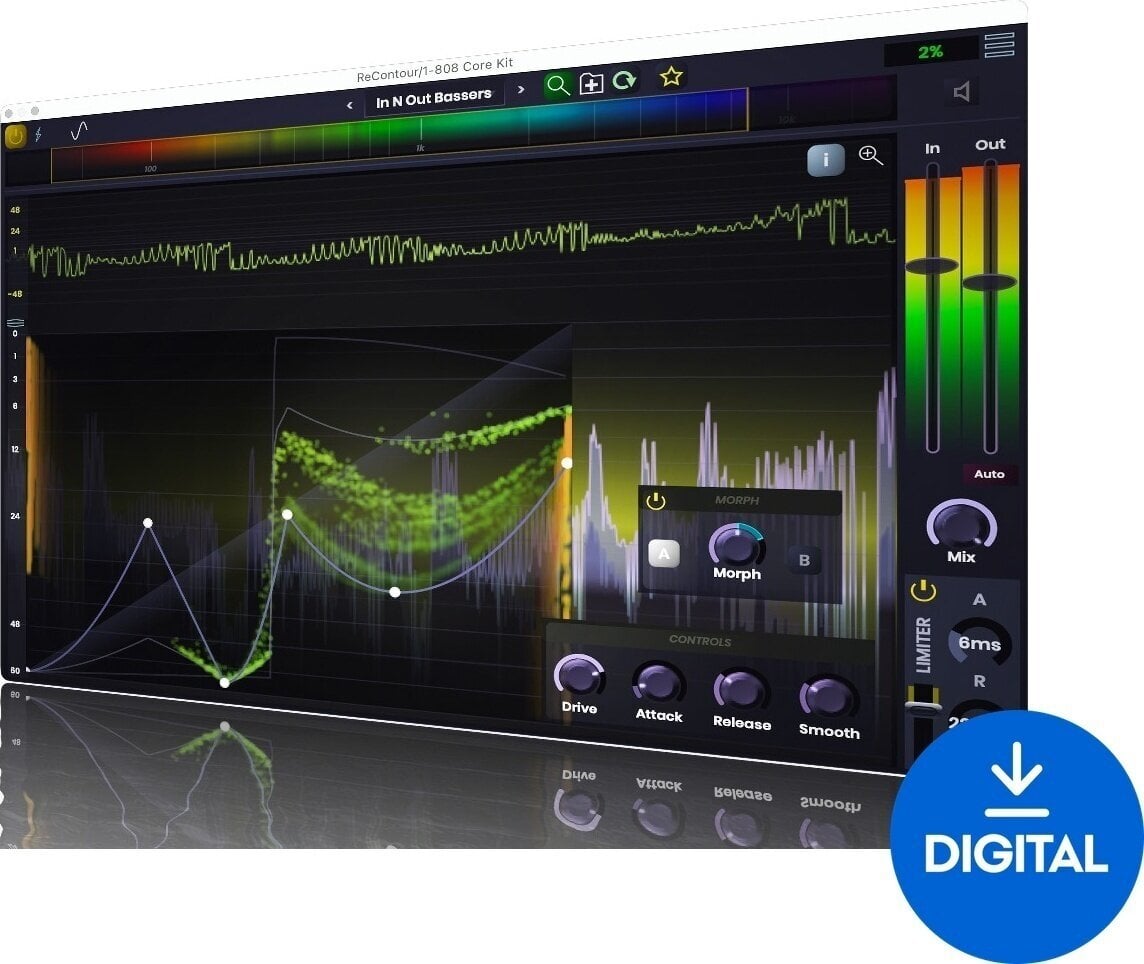

- License duration: Perpetual
- Тype: Compressor
- System requirements: Windows 10
- Supported plug-in formats: AU, VST3

Stagecraft ReContour (Digital product)
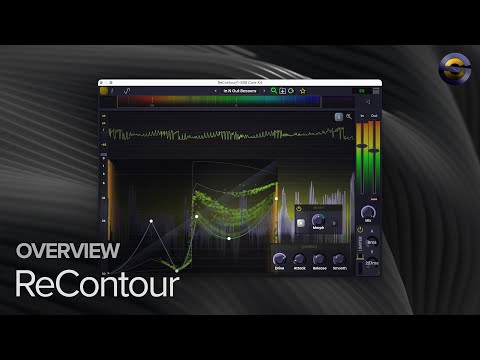
ReContour: Versatile Distortion and Tone Shaper
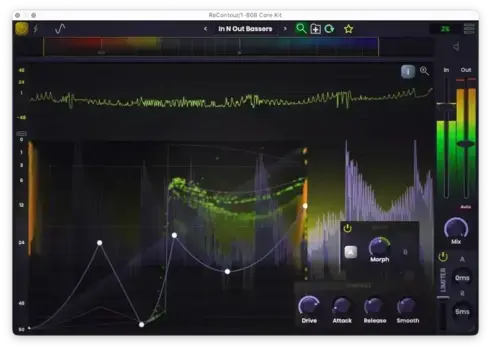
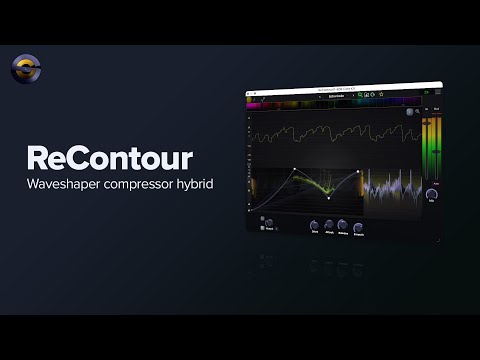
ReContour is a powerful tool designed to transform the tone and dynamics of your audio. This plugin serves as both a compressor and a waveshaper, offering a unique approach to sound manipulation.
Compressor or Waveshaper?
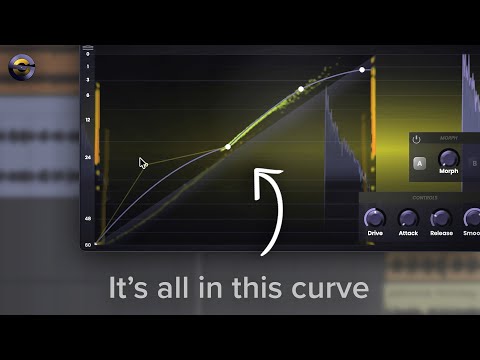
ReContour occupies a unique space between compression and waveshaping. It provides precise control over the transfer function for altering wave shapes, while also incorporating essential characteristics such as attack, release, and smoothing.
Control the Spectrum Band
With ReContour, you can easily define which portion of the audio spectrum will be affected. Whether you want to enhance the dynamics of your kicks or add a bright sizzle to the high end, this plugin allows for targeted adjustments.
Morph Between Compression Curves
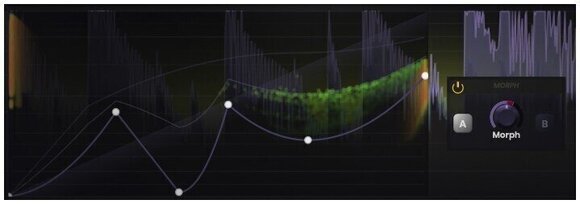
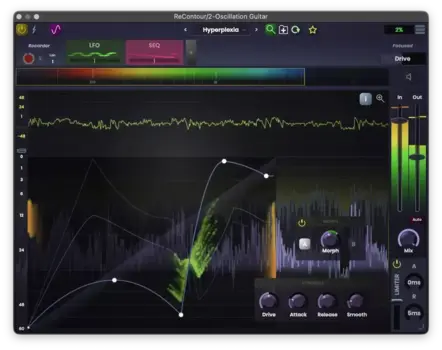
This innovative effect features two banks for the transfer function, along with a morph knob that enables seamless transitions between them. By incorporating automation, you can create dynamic curves that evolve alongside your music.
Key Features
- Intuitive Compression Shaping: Easily shape compression by drawing and adjusting the curve.
- Fine-Tune Controls: Adjust attack and release times, drive the signal harder for different compression effects, and smooth out changes.
- Detailed Metrics: The compression graph provides real-time insights into the signal processing. Hover during playback for specific values or freeze it at any moment for detailed analysis.
- Compatibility: ReContour is compatible with VST3, AU, and AAX formats.
ReContour — A Waveshaping Compressor for Tone Shaping
ReContour is a distortion and tone shaper plug-in from Stagecraft Software. It sits between a compressor and a waveshaper, giving producers precise control over how audio is shaped. This plug-in is the right choice for producers who want to reshape the tone and impact of drums, guitars, vocals, or full mixes.
What Makes This Plug-in Different
The editable transfer curve lets you bump up or down specific areas of the sound. A spectrum-band limiter focuses compression on just the low-end for a boomier kick or just the high-end for a snappier snare. The morph knob blends between two compression curves, so automation creates evolving dynamics.
Who Should Use ReContour
ReContour is the right choice for producers and mixing engineers who want more control than a standard compressor. Beginners can use the simple curve editor for quick tone tweaks, while advanced users automate parameters with an envelope follower, ADSR, LFO, or step sequencer. It runs as an AU or VST3 plug-in on macOS 11+ and Windows 10+.
Additional Info
The full version is software that does not require ownership of any other product or previous version. It is intended for new users who do not yet own the software. The range of features depends on the specific version and product. After purchase, you will receive a license for full use of the software.

License duration
Download
Made in
USA
Documents
Safety instructions
Please refer to the user manual for the specific safety instructions for this product.


