Albania
 Argentina
 Australia
 Austria
 Belgium
 Bosnia and Herzegovina
 Brazil
 Bulgaria
 Canada
 Chile
Chile
 Colombia
 Croatia
 Czech Republic
 Denmark
 Estonia
 Finland
 France
 Germany
 Greece
 Hungary
 Ireland
 Italy
Italy
 Latvia
 Lithuania
 Luxembourg
 Mexico
 Moldova
 Montenegro
 Netherlands
 New Zealand
 North Macedonia
 Norway
 Philippines
 Poland
 Portugal
 Romania
 Serbia
 Slovakia
 Slovenia
 South Africa
 Spain
Spain
 Sweden
 Switzerland
 Turkey
 Ukraine
 United Kingdom
 United States of America



MIDI Master Keyboards
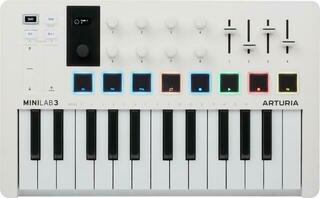
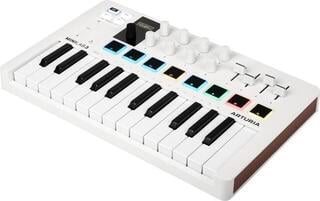
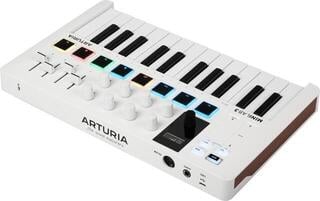
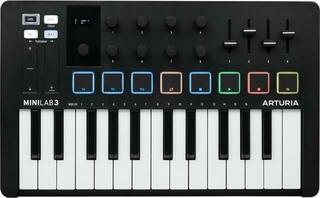
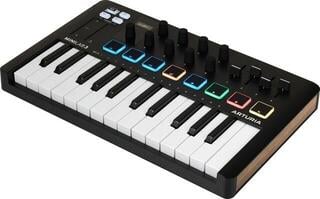
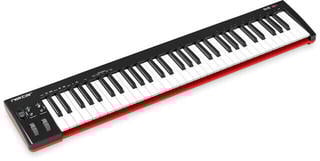
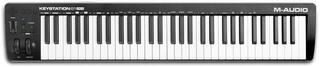
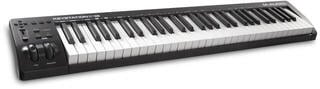
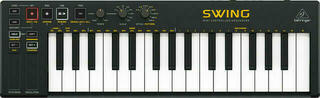
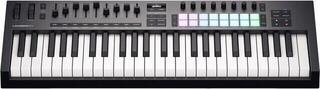
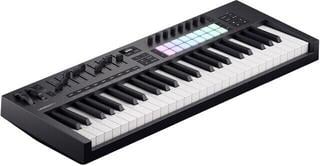
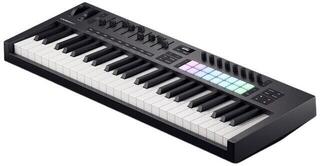
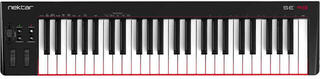
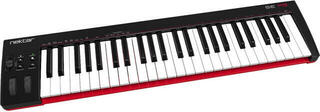
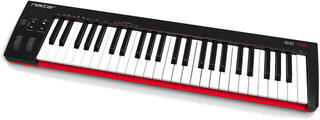
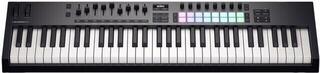
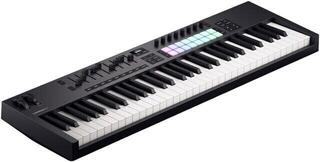
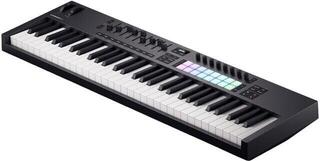
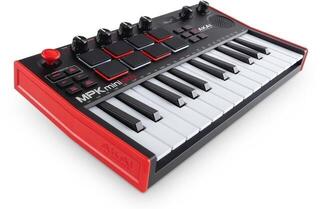
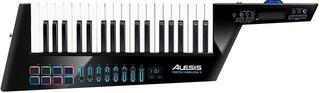
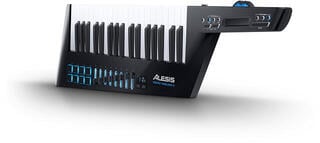
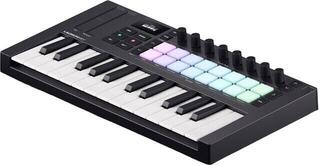
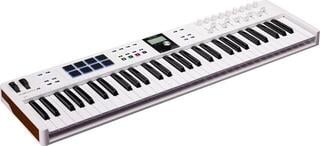
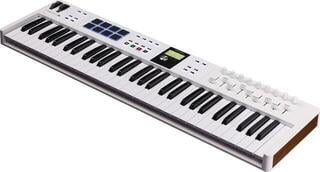
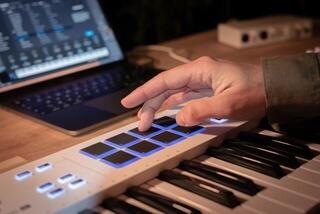
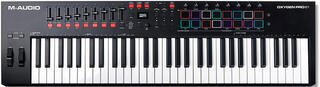
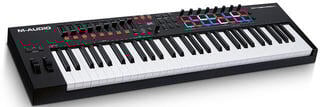
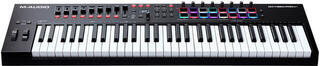
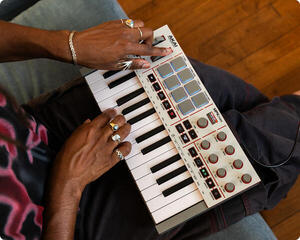
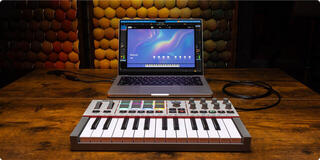
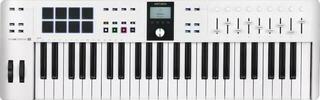
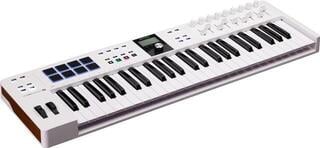
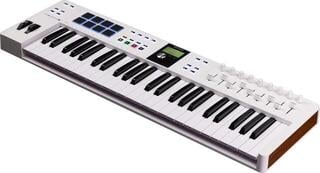
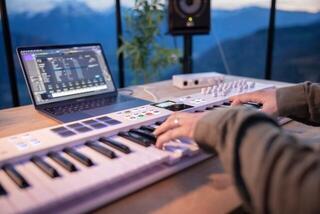
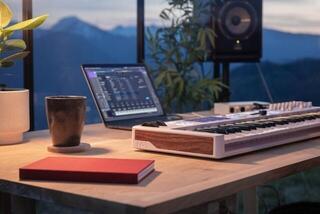
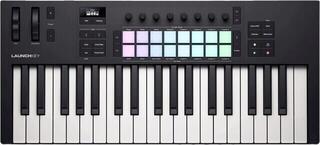
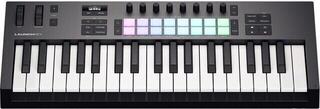
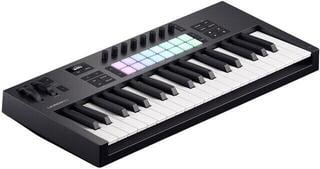
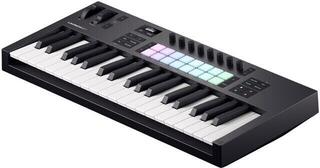
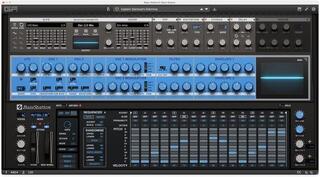
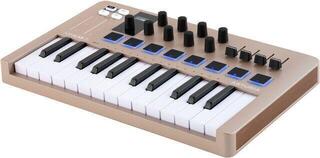
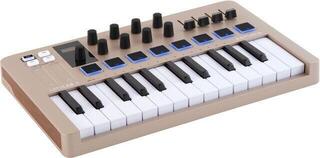
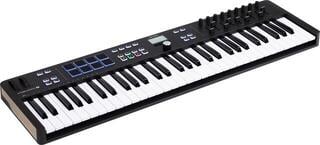
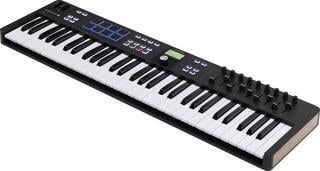
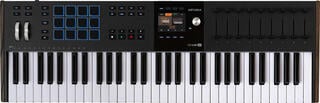
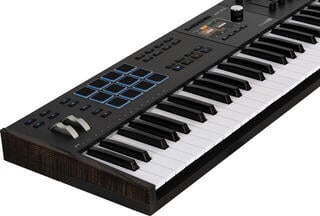
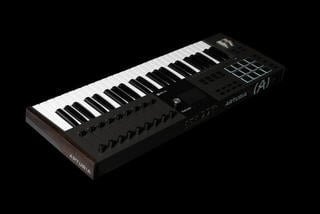
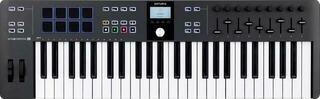
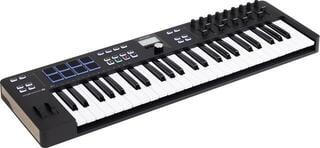
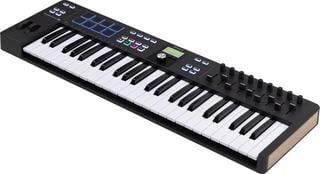
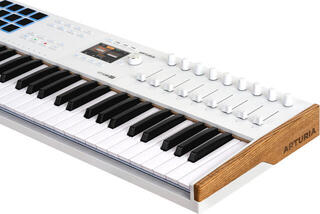
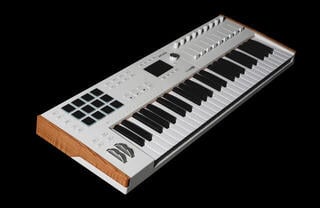
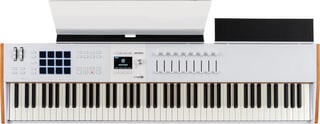
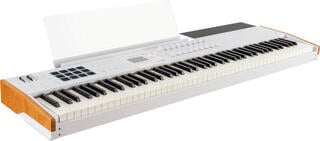
MIDI controller keyboards send commands to a DAW, virtual instrument or connected sound module; they usually do not have their own sound engine. They are useful for composing, recording, programming drums and controlling software instruments. The key count, keyboard feel, controls and connections are the main points to compare. A smaller model saves space, while a wider range lets you play with both hands without changing octaves as often.
MIDI controller keyboards: how many keys do you need?
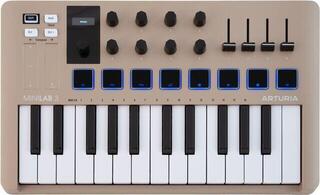
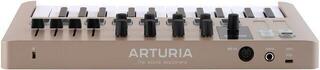
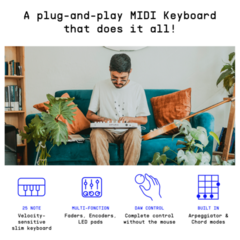
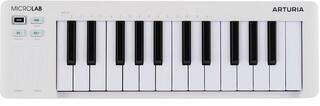
For beats, bass lines and simple melodies, 25 to 37 keys are usually enough; 49 or 61 keys provide a more flexible production setup, while 76 to 88 suit piano parts better. Match the range to what you play most often and to the space available on your desk or stand. Octave buttons extend the pitch range of a compact model, but they cannot provide room for low and high notes at the same time.
| Range | Best suited to | What to consider |
|---|---|---|
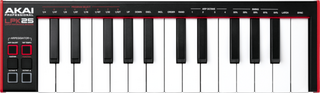
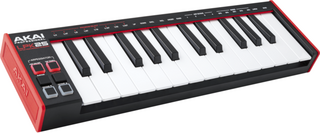
| 25 keys or fewer | mobile production, beats, bass lines and simple melodies | limited two-hand playing and frequent octave changes |
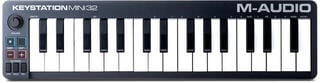
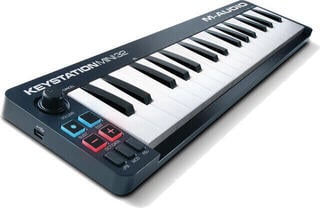
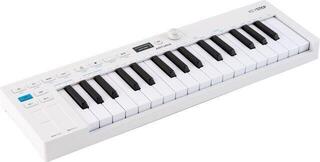
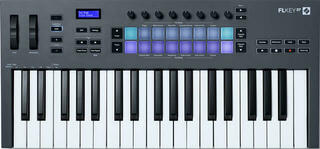
| 32 to 37 keys | a small desk and more playing room than 25 keys | still a compact range |
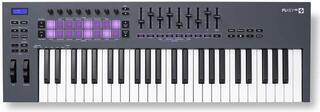
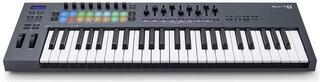
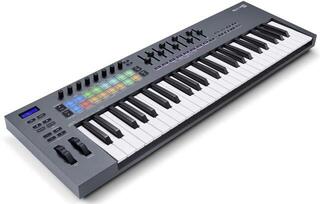
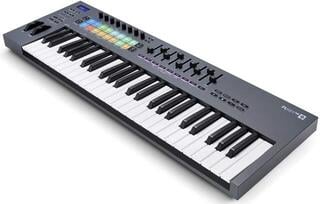
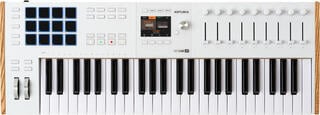
| 49 keys | home studios, chords, melodies and general production | a useful balance of size and playing space |
| 61 keys | arranging, two-hand playing and broader keyboard parts | requires a larger desk or stand |
| 76 keys | players who want a wide range without a full-size keyboard | fewer compact options |
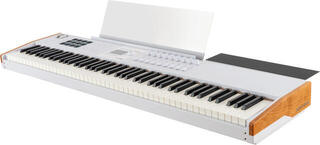
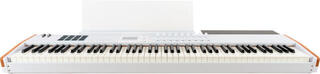
| 88 keys | piano parts, orchestral arrangements and full-range playing | more space and more demanding transport |
Keyboard feel matters beyond the key count
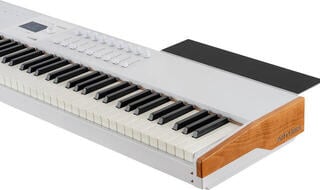
For expressive piano or string parts, look for velocity-sensitive keys. They let software respond to how firmly you play instead of making every note equally loud. A light, fast action may suit synth lines, while a pianist may prefer larger keys and resistance closer to an acoustic instrument. Also check the actual key size, as compact models may use mini keys.
Aftertouch adds control after a key is pressed, such as modulation or filter movement, when both the controller and instrument support it. It is not essential for basic note entry, but can reduce the need to reach for another control during expressive playing. For piano parts, also check for a sustain-pedal input; the connector listing does not mean the pedal is included.
What do you need to control a DAW?
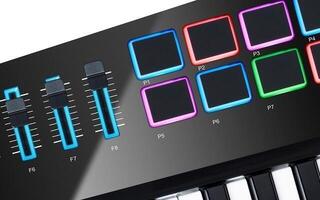
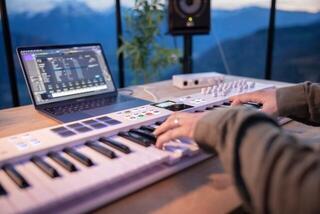
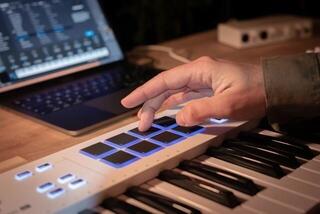
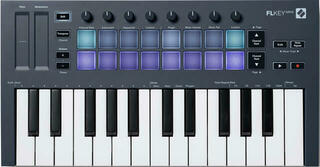
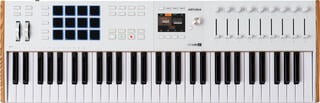
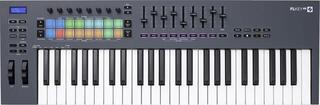
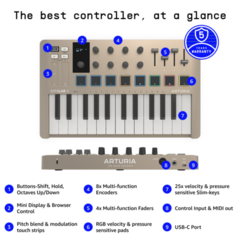
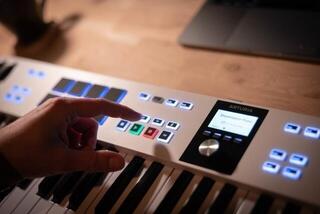
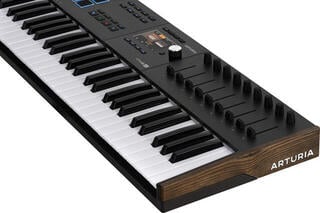
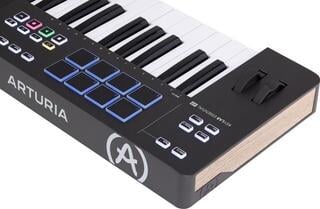
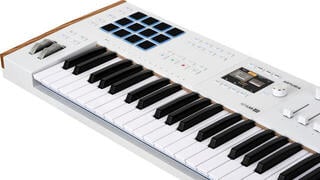
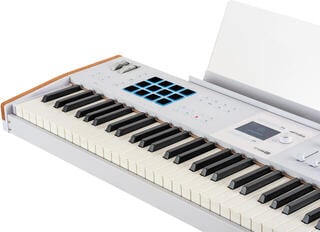
You need a MIDI controller keyboard, a compatible connection to the computer and the correct input settings in your software. Transport buttons make recording and playback easier. Pads work well for drums, samples and clips, while faders and encoders can control volume, pan, filters and virtual-instrument parameters.
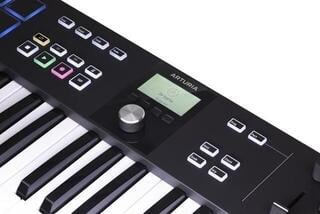
Before buying, check the supported operating system, DAW version and integration method. Automatic assignments save setup time, while standard MIDI mapping gives you more freedom. A large number of controls is of little use without suitable mapping. A display helps when you need to see tracks, parameters or values on the keyboard itself.
MIDI controller keyboard, synthesizer or workstation?
Choose a MIDI controller keyboard when a virtual instrument or external sound module will create the sound. It can control hardware without a computer if it has suitable MIDI output and power, but it usually produces no sound on its own. A synthesizer has its own sound engine, while a workstation also provides onboard sounds and tools for creating and arranging music within the instrument. Choose a synthesizer or workstation to play without a computer or external sound source; when your DAW is the centre of the setup, a MIDI controller is often more practical.
USB, MIDI and wireless connections
- USB is convenient with a computer or compatible mobile device; check the required adapter and power method.
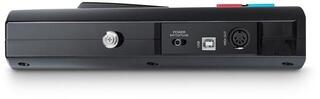
- A standard MIDI output connects directly to a hardware synthesizer or sound module. Standalone use requires the right connector and power supply.
- Wireless MIDI reduces cabling, but both transmitter and receiver must support it. For the stage, keep a wired alternative available.
MIDI does not carry finished audio like an audio cable. It sends performance and control information such as note, velocity or control movement. A virtual instrument or connected hardware creates the sound, so you also need an appropriate audio output.
Home studio, travel or stage
Desk use and mobile production
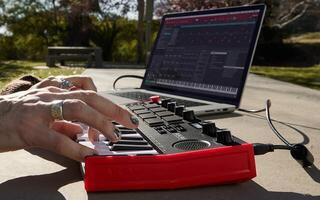
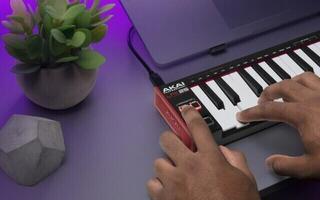
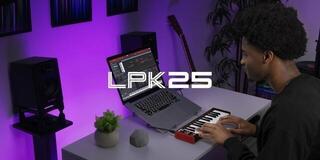
Measure the space beside your computer and other equipment. A compact keyboard fits in a bag more easily and is often enough for entering notes or making beats. If you regularly play chords with both hands, a very small range can slow you down.
Regular playing and arranging
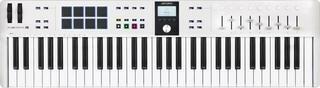
For longer keyboard parts, prioritise playing comfort and range over the number of pads. A 49- or 61-key model is a practical middle ground for a fixed studio setup. Pianists and orchestral arrangers are more likely to benefit from 76 or 88 keys.
Live performance
Check that the keyboard can control your stage computer or hardware and that you can quickly change the required assignments, zones or programs. Reliable power, readable controls and suitable dimensions for the stand and transport also matter. Test the complete setup beforehand, especially with an external sound module or several MIDI devices.
What to check before choosing
- Define the main use and available space.
- Choose the key count and size for your playing style.
- Compare the action, velocity response and aftertouch.
- List the controls you actually use in your DAW.
- Check compatibility with your system, DAW, instruments and hardware.
- Check the connections, power and accessories required for your setup.
Create a Set - MIDI Master keyboards
Deals & Coupons: MIDI Master Keyboards
Unboxed: MIDI Master Keyboards
Bundles: MIDI Master Keyboards
Master Keyboards up to 25 Keys
Master Keyboards up to 37 Keys

Master Keyboards up to 49 Keys

Master Keyboards up to 61 Keys
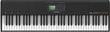
Master Keyboards up to 76 Keys

Master Keyboards up to 88 Keys