 Albania
 Argentina
 Australia
 Austria
 Belgium
 Bosnia and Herzegovina
 Brazil
 Bulgaria
 Canada
 Chile
Chile
 Colombia
 Croatia
 Czech Republic
 Denmark
 Estonia
 Finland
 France
 Germany
 Greece
 Hungary
 Ireland
 Italy
Italy
 Latvia
 Lithuania
 Luxembourg
 Mexico
 Moldova
 Montenegro
 Netherlands
 New Zealand
 North Macedonia
 Norway
 Philippines
 Poland
 Portugal
 Romania
 Serbia
 Slovakia
 Slovenia
 South Africa
 Spain
Spain
 Sweden
 Switzerland
 Turkey
 Ukraine
 United Kingdom
 United States of America








- Viewfinder: No
- Optical Zoom: No
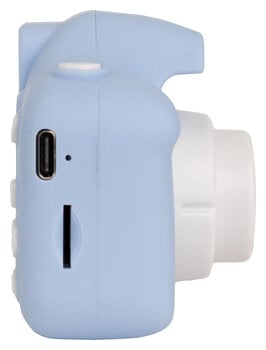
- SD Slot: Yes
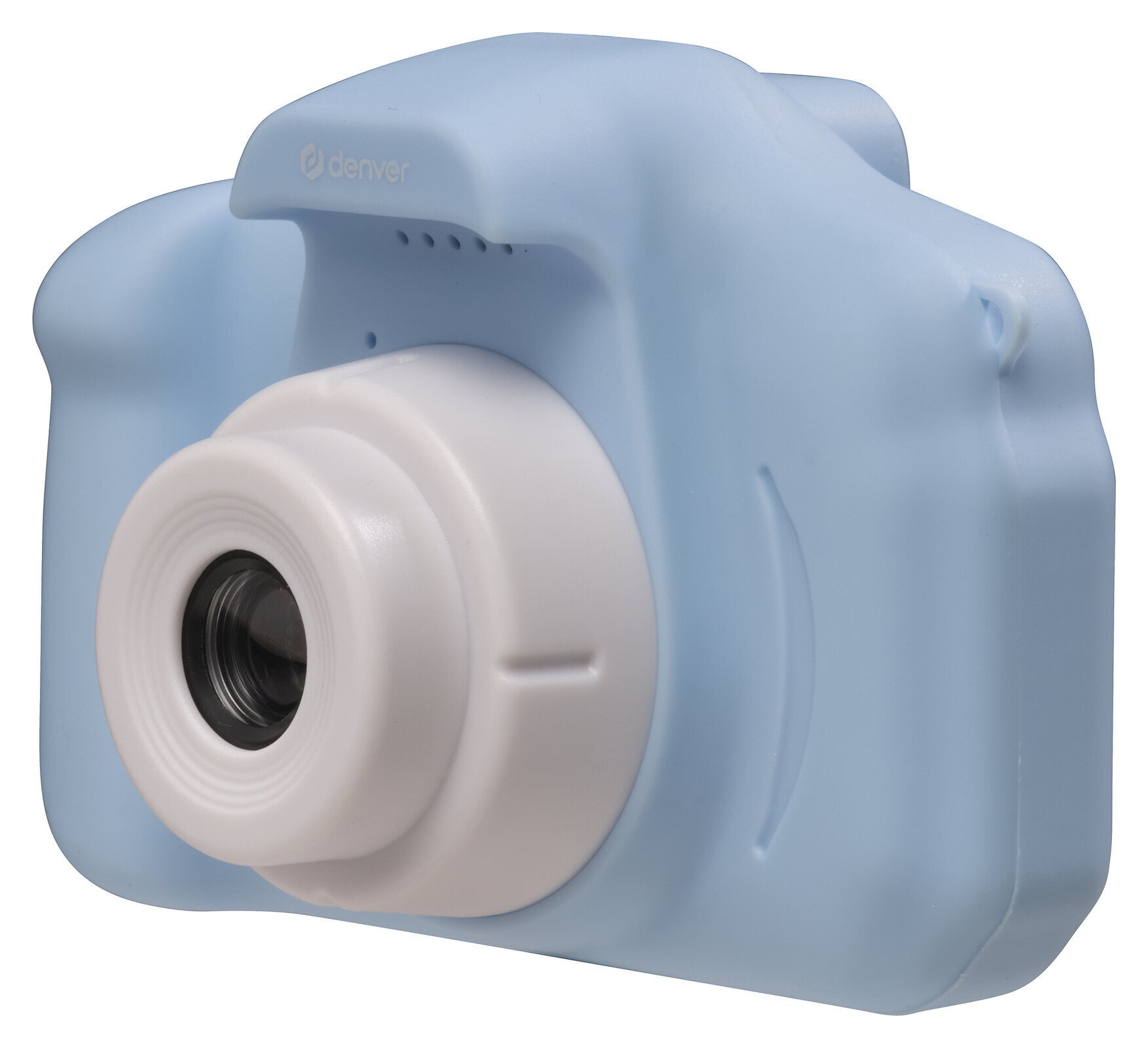
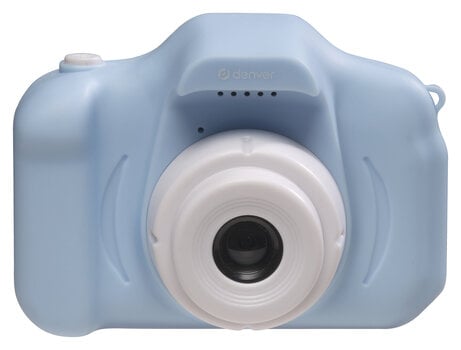
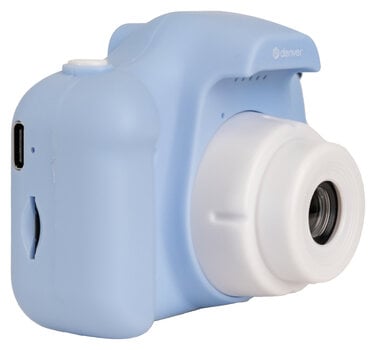
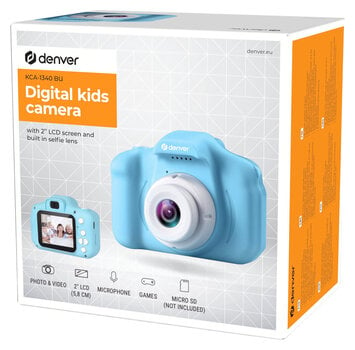
Denver KCA-1340BU Blue Compact Camera
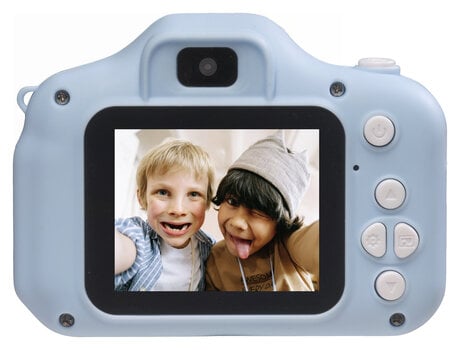
The Denver KCA-1340BU is a compact digital camera designed specifically for children, pairing a 2" LCD screen with a built-in selfie lens so young photographers can frame and shoot on their own. It captures up to 40 MP interpolated stills and Full HD 1080p video, stores everything on a microSD card up to 64 GB, and keeps kids entertained with five built-in games, 7 photo filters, and 28 decorative frames. A 600 mAh lithium-ion battery charged via USB-C powers hours of shooting, while the lightweight 209 g plastic body fits comfortably in small hands.
- 2" LCD screen with built-in selfie lens for easy framing by kids
- Up to 40 MP interpolated photos and Full HD 1080p video in JPEG/AVI format
- 4x digital zoom plus 7 filters and 28 photo frames for creative shots
- 5 built-in games and a 600 mAh USB-C rechargeable battery for on-the-go fun
Kids Digital Camera with Selfie Lens and Built-In Games
The Denver KCA-1340BU is a purpose-built children's digital camera that turns everyday moments into playful keepsakes. Designed for small hands and curious minds, it pairs a 2" rear LCD screen with a dedicated selfie lens so kids can frame themselves without help. The Denver KCA-1340BU captures up to 40 MP interpolated stills and records video in VGA or interpolated Full HD 1080p, giving young photographers room to experiment with composition and storytelling. A 4x digital zoom, 7 creative filters, and 28 decorative photo frames add personality to every shot, while 5 built-in mini-games keep the camera entertaining even between photo sessions.
What Makes This Kids Camera Stand Out
What sets this model apart in the entry-level compact camera category is the combination of a front-facing selfie lens, a 1.3 MP native CMOS sensor that interpolates up to 40 MP, and a gaming layer that turns the device into a hybrid camera-handheld-console. The built-in microphone and speaker allow kids to record short video clips with sound, while the integrated lithium-ion battery and USB-C charging cable remove the need for disposable cells. Five pre-loaded games — Square game, Push, Airplane Fighter, Counting game, and Snake — make the camera a travel companion on long car rides or rainy afternoons.
Photo and Video Capabilities — Image Quality for Young Shooters
The imaging system is tuned for fun rather than professional output, but it delivers enough resolution for printing, sharing, and screen viewing. The interpolated photo resolution and Full HD video mode give children a tangible sense of "big numbers" while keeping file sizes manageable on a microSD card.
- Photo Resolution: up to 40 MP interpolated — large prints and detailed crops from a kids' camera
- Video Resolution: VGA (640x480) and Full HD 1080p (1920x1080) interpolated — smooth playback on TVs and tablets
- Digital Zoom: 4x — get closer to distant subjects without moving
- CMOS Sensor: 1.3 MP native — the true optical resolution before software interpolation
Display, Storage, and Battery — Everyday Usability
A clear rear display, expandable storage, and a rechargeable battery make the camera practical for daily use by children. The 2" screen is large enough to review shots immediately, while the microSD slot accepts cards up to 64 GB for thousands of photos and hours of video.
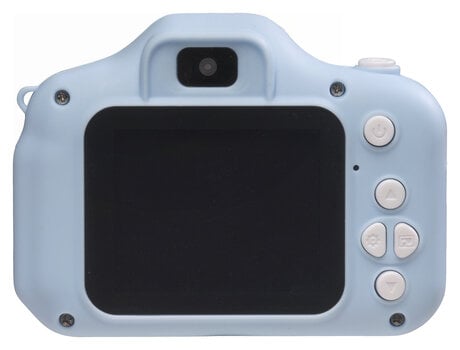
- Display: 2" TFT LCD screen (5.08 cm) — bright enough for outdoor framing
- Storage: microSD card slot, up to 64 GB (card not included) — expandable memory for growing photo libraries
- Battery: 600 mAh lithium-ion, 3.7 V — rechargeable via the included USB-C cable
- Auto-Off: under 20 minutes of inactivity — conserves battery between play sessions
Creative Filters, Frames, and Games — Play Value Beyond Photography
The creative software layer is what makes this camera engaging long after the first photo is taken. Filters and frames let children personalize each shot, while the five built-in games transform the device into a pocket entertainment unit.
- Photo Filters: 7 built-in options — quick mood changes without editing apps
- Photo Frames: 28 decorative borders — fun overlays for selfies and portraits
- Built-In Games: 5 titles (Square game, Push, Airplane Fighter, Counting game, Snake) — offline entertainment with no internet needed
- File Formats: JPEG for photos, AVI for video — universal compatibility with computers and TVs
Who Is the Denver KCA-1340BU For
The Denver KCA-1340BU is the right choice for parents and grandparents looking for a first camera for children roughly aged 4 to 10 who want a safe, durable, and entertaining introduction to photography. Its lightweight 209 g plastic body, rounded edges, and simple button layout suit small hands, while the selfie lens and 2" screen remove the frustration of blind framing. The built-in games and creative filters make it equally appealing as a gift for birthdays, holidays, or travel, and the USB-C rechargeable battery means no ongoing cost for replacement cells. For families who want a starter camera that doubles as a handheld game console, this model delivers strong play value at an entry-level price point.
Physical Design and Build
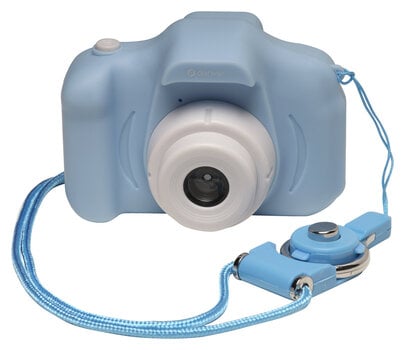
The compact body measures 83 x 64 x 48 mm and weighs just 209 g, making it pocket-friendly and easy to carry in a backpack or small bag. The blue plastic shell with rounded edges is built for daily handling by children, and the materials list combines plastic and glass for a balance of lightness and lens clarity. A built-in speaker complements the microphone for video playback, and the device ships with a USB-C charging cable and user manual in the box.

Viewfinder
Video sound
Optical Stabilization (OIS)
Optical Zoom
No
Digital Zoom
4x
WiFi
No
Camera Type
Compact
Original Colour by Producer
Blue
Video Resolution
1920 x 1080
Storage Medium
Micro SD (max 64 GB)
SD Slot
Yes
Memory Card Slot
Micro SD (max 64 GB)
Package Contents
USB-C Cable
Battery Operation
Yes
Battery Type
Li-Ion
Power Supply
USB-C and Battery
UK/EU Power supply included
No
Width (cm)
8,3
Height (cm)
6,4
Depth (cm)
4,8
Made in
China


Documents
Instructions for use
Safety instructions
Please refer to the user manual for the specific safety instructions for this product.


